



Choosing a Photographer for Your Wedding: Essential Tips and Wedding Photographer Checklist By Justin Frazier , JFPhotos Selecting the right photographer for your wedding is crucial, as they will capture your most cherished moments. This guide provides essential tips for identifying a photographer whose style aligns with your vision and ensures that your special day is well-documented. By following the advice presented here, you'll have the tools you need to make an informed decision while avoiding common pitfalls. Understanding the different aspects of wedding photography can save you time and help you focus on enjoying the planning process. We will cover various photography styles and important questions to ask potential photographers and discuss how to assess their portfolios thoroughly. What Are the Best Wedding Photography Styles to Consider? Wedding photography encompasses a variety of styles, each with its own unique features that cater to different preferences and aesthetics. Understanding these styles is essential when determining which one best matches the couple's vision for their special day. The main styles include documentary, portrait, and destination wedding photography, among others. Each offers distinct methods of capturing moments and telling the story of the day. How Do Different Wedding Photography Styles Compare? Documentary wedding photography focuses on capturing candid moments as they happen, creating a storytelling approach that reflects the genuine emotions of the day. In contrast, portrait wedding photography emphasizes staged shots, often featuring the couple and their families in beautifully arranged poses. Destination wedding photography incorporates the surroundings into the shot, showcasing both the couple and the unique features of the location. By comparing these styles, couples can select a photography method that aligns with their expectations and preferences. Which Photography Style Matches Your Wedding Vision? Choosing a photography style requires careful consideration of personal tastes and the overall wedding theme. Couples should think about the atmosphere they wish to convey through their images. For example, if the ceremony is laid-back and informal, a documentary style might be the best choice to capture natural interactions. Conversely, a more traditional celebration might benefit from classic portrait photography to showcase key moments. Matching the style with the wedding vision will ensure that the resulting photographs resonate with the couple's personality and taste. Which Important Questions Should You Ask Wedding Photographers? When meeting with potential wedding photographers, asking critical questions can help clarify expectations and make the right choice. Many couples often overlook essential inquiries, which can lead to misunderstandings later. Asking about experience, pricing, and contractual terms can significantly impact the overall satisfaction with the photographer's services. What Experience and Credentials Should You Verify? One of the first considerations should be the photographer's experience with weddings. It's essential to inquire about their background, including how long they have been in business, the number of weddings they have covered, and any available references. Check for professional credentials, such as membership in photography associations, which can demonstrate a commitment to maintaining high standards. Verifying experience helps ensure that the photographer is equipped to handle the dynamics of a wedding day seamlessly. How to Assess Photographer's Pricing and Package Details? Understanding the pricing structure is crucial for budgeting effectively. Photographers should offer transparent package details outlining what is included in their services. Pricing can vary widely, so inquire about different package options and what each entails. Consider factors such as hours of coverage, number of edited images, and any additional services like an engagement shoot or prints, which can be impactful. Finding good value for your investment will ultimately enhance your overall satisfaction. How Can You Evaluate a Wedding Photographer’s Portfolio Effectively? Reviewing a photographer's portfolio is essential to gauge their style and quality of work. A portfolio provides insight into how a photographer captures moments and whether their aesthetic aligns with your vision for your wedding day. An effective evaluation requires a keen eye for detail and an understanding of the characteristics that make strong wedding photography. What Should You Look for in Sample Wedding Photos? When examining sample wedding photos, pay attention to the technical quality, composition, and emotional resonance. Assess whether the images appear well-lit and properly composed, as these elements contribute to the overall impact. Additionally, consider the diversity of styles within the portfolio, which may reflect the photographer's versatility in capturing different moments throughout your wedding day. Strong storytelling elements, such as genuine reactions and emotional connections, are key indicators of a great wedding photographer. How Does Portfolio Metadata Reveal Photographer Expertise? Portfolio metadata—such as camera settings, shooting conditions, and editing techniques—can provide valuable insight into a photographer's expertise. Understanding the equipment they use and how they adapt to various lighting situations, for example, can validate their skill and knowledge. Discussing the techniques they employed in the showcased images may also reveal their thought process and creative approach to capturing weddings. What Are Essential Wedding Photography Packages and Pricing Factors? When planning your wedding photography, it is essential to understand the various packages available and the factors that influence pricing. Many photographers offer different levels of service to suit various budgets and preferences, which can ultimately affect the overall cost. How Much Does Wedding Photography Typically Cost in 2023? As we look at 2023, wedding photography costs can vary based on location, experience, and specific services provided. On average, couples might expect to pay anywhere from $1,200 to $3,500 for a standard package. High-end photographers with extensive experience and a unique style may charge significantly more, sometimes reaching up to $10,000 or more for comprehensive coverage. It's important to consider what fits within your budget while ensuring quality service. What Inclusions Should Wedding Photography Packages Have? Typically, wedding photography packages may include various services such as an initial consultation, a pre-wedding engagement shoot, and full-day coverage of the wedding itself. Deliverables often encompass a certain number of edited images in digital format, an online gallery for ease of access, and sometimes physical prints or albums. Customizing packages to fit needs can enhance value, so discussing specific requirements with the photographer is essential. Why Are Wedding Photography Contracts Important and What Should They Include? Photography contracts document the agreement between the photographer and the couple, providing legal protections for both parties. Understanding the importance of having a proper contract in place can help ensure all details are agreed upon and begin the services smoothly. What Key Clauses Should You Expect in a Photography Contract? A well-drafted contract should include essential clauses outlining the specifics of the services provided, pricing structures, and payment terms. These might cover details on deposits required, cancellation policies, and how many hours of coverage will be included. Furthermore, an agreement should detail who owns the copyrights to the images and any usage rights associated with them. Clear contracts prevent misunderstandings and provide peace of mind. How Can You Negotiate Contract Terms and Cancellation Policies? Negotiation is often a part of securing the best deal for wedding photography services. Couples should not hesitate to ask for clarity on cancellation policies in case wedding plans change unexpectedly. Understanding what terms might be negotiable, such as payment schedules or additional services, can also lead to a more favorable agreement for both parties. By being informed and assertive, couples can safeguard their investment. How Do You Find and Book the Right Wedding Photographer? Finding the ideal wedding photographer can seem overwhelming given the number of options available. However, with the right approach, couples can identify a photographer who aligns well with their overall vision. What Are the Best Ways to Search for Wedding Photographers? Utilizing a combination of online research, personal referrals, and reviewing local wedding expos can yield a solid list of potential photographers. Online platforms like wedding forums, social media, and photography directories provide immense insights and inspiration. Gathering recommendations from friends or family members can also lead to finding reputable professionals. Focusing on a diverse range of sources ensures a well-rounded search process to discover the best fit. When Is the Ideal Time to Book Your Wedding Photographer? Planning is crucial when it comes to securing your wedding photographer. Couples should ideally begin their search 9 to 12 months before the wedding date, allowing ample time to explore options and negotiate terms. However, it's also essential to consider the peak wedding season in your area, as popular photographers may book up quickly during this time. Early booking not only secures your preferred choice but may also set you up for better deals with flexible negotiating space.

Discover what is a lifestyle family portrait session. Capture genuine family moments in a natural setting for lasting memories.
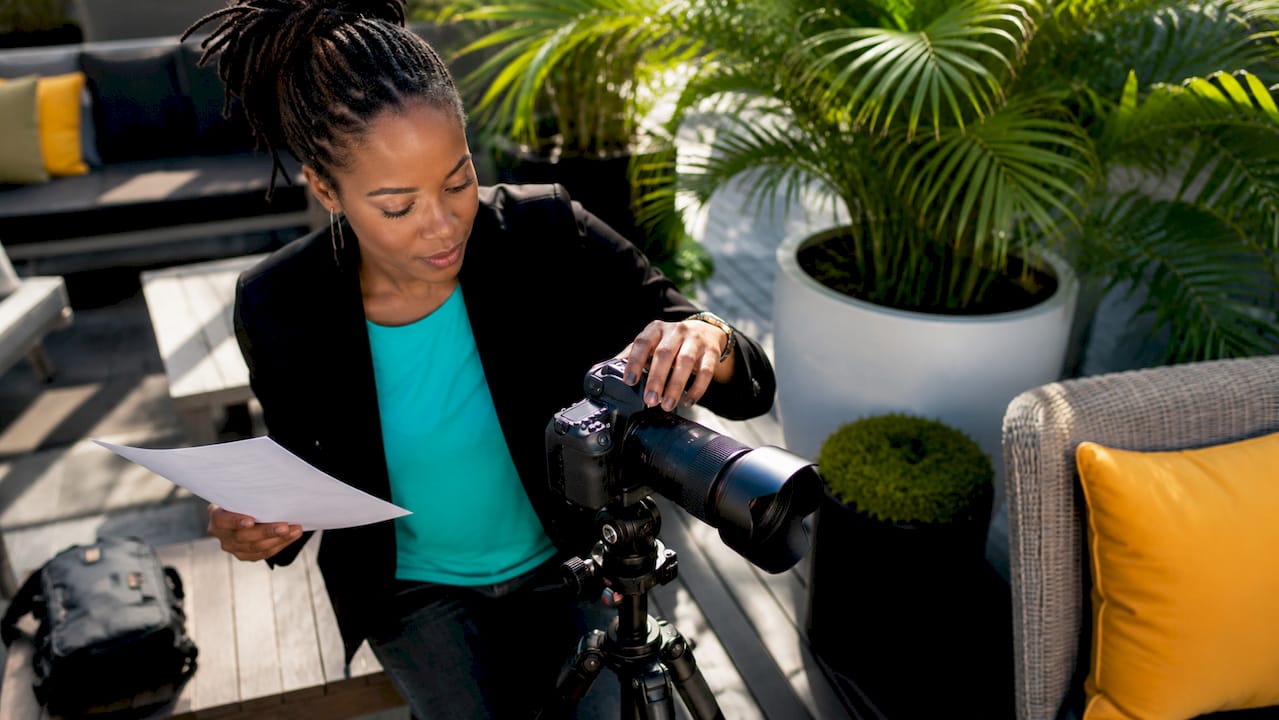
Discover what a corporate photography package is and how it boosts your brand. Get insights on pricing, services, and planning for success.
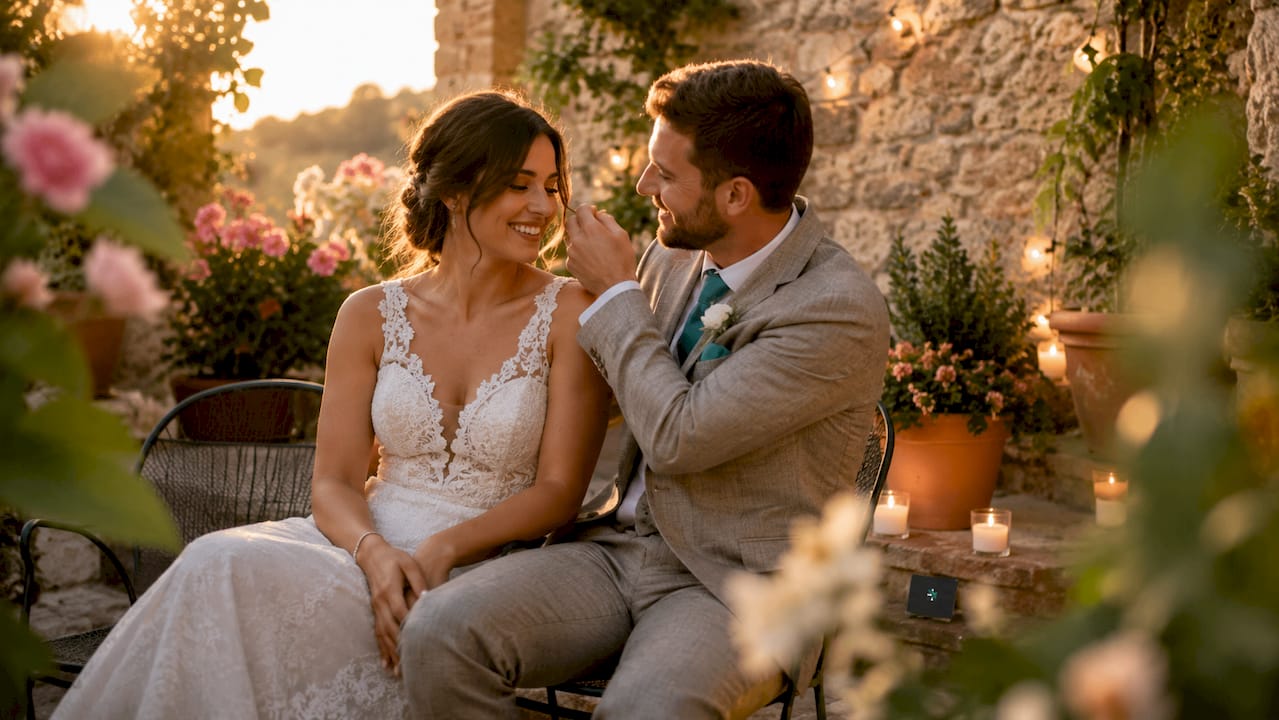
Discover what intimate wedding photography is and how it captures genuine emotions in small ceremonies. Get inspired for your special day!
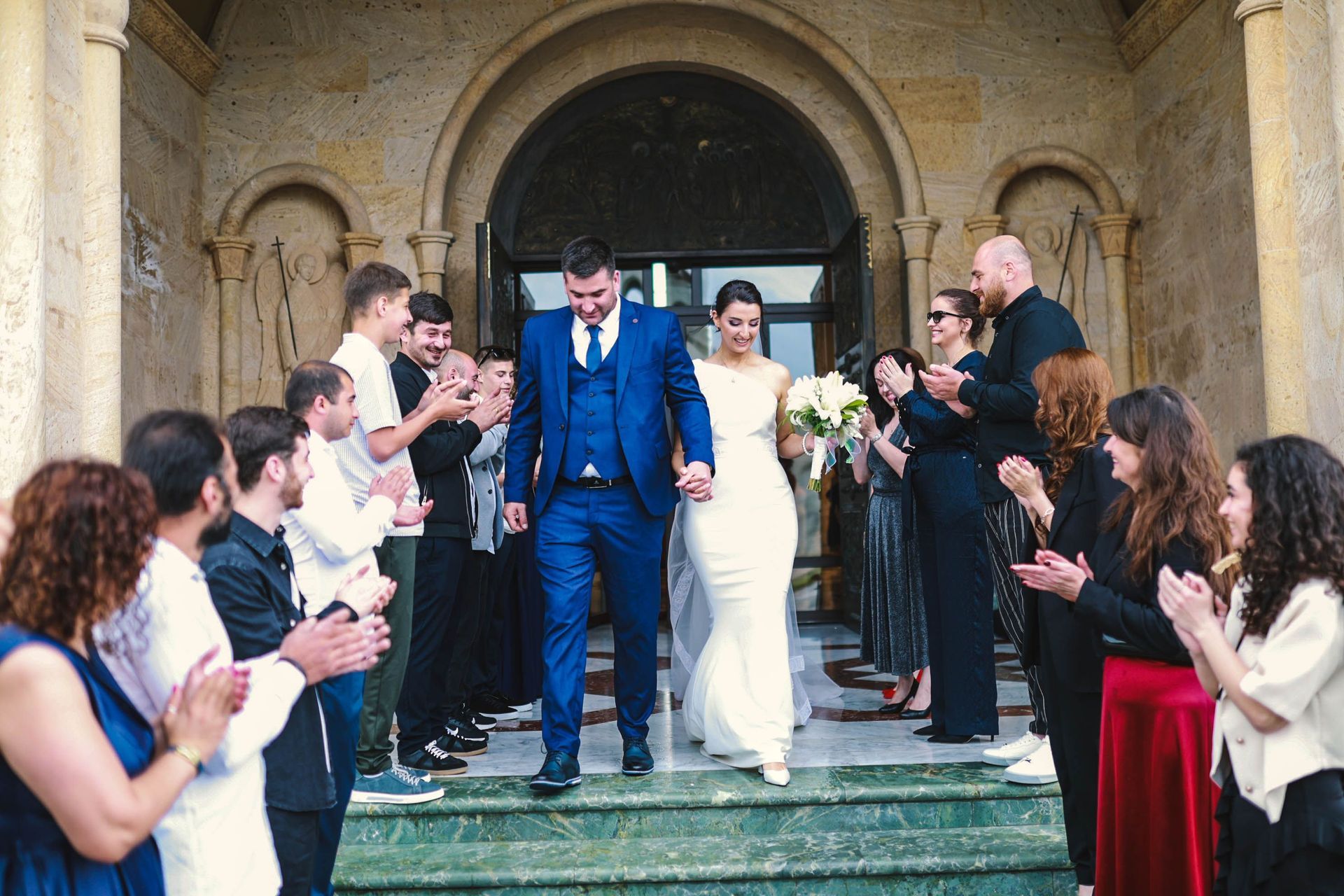
Compare the best wedding photographers in Phoenix, AZ — styles, pricing, and what sets each apart, plus why JFPhotos is a standout alternative for your day.
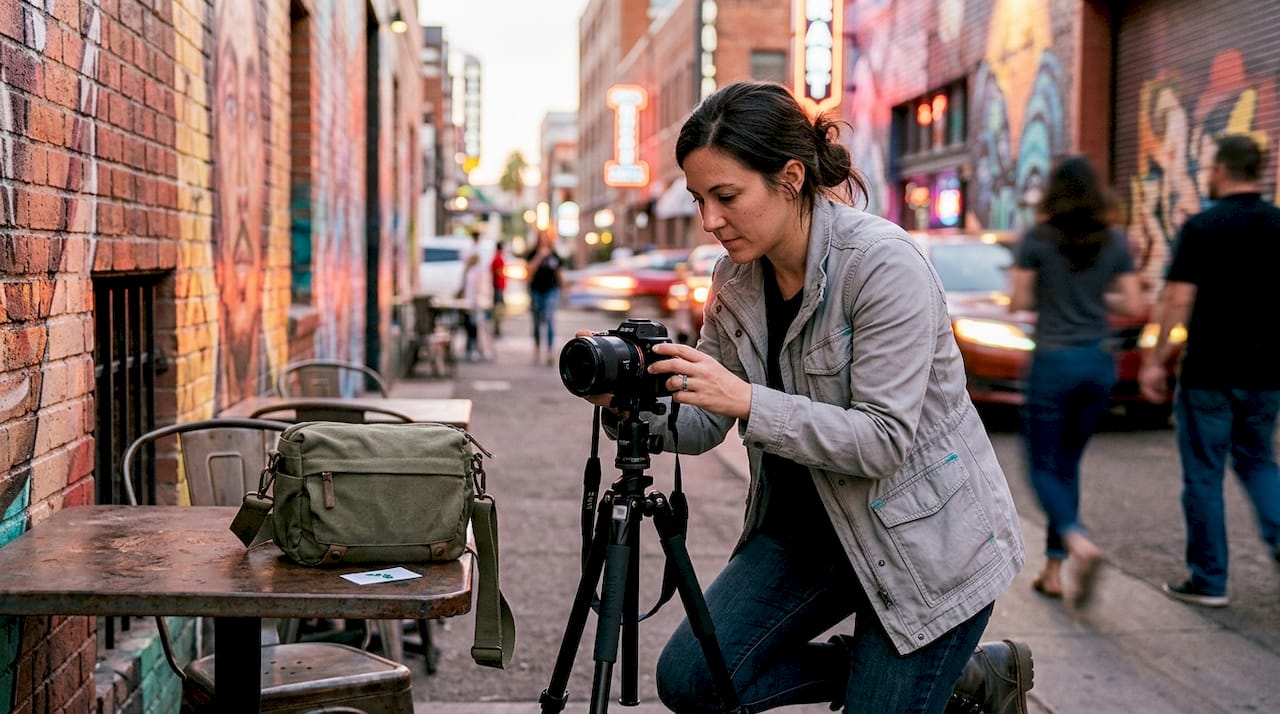
Discover why hiring a local Phoenix photographer matters for authentic, high-quality images. Enjoy personal service, eliminate travel surcharges, and...
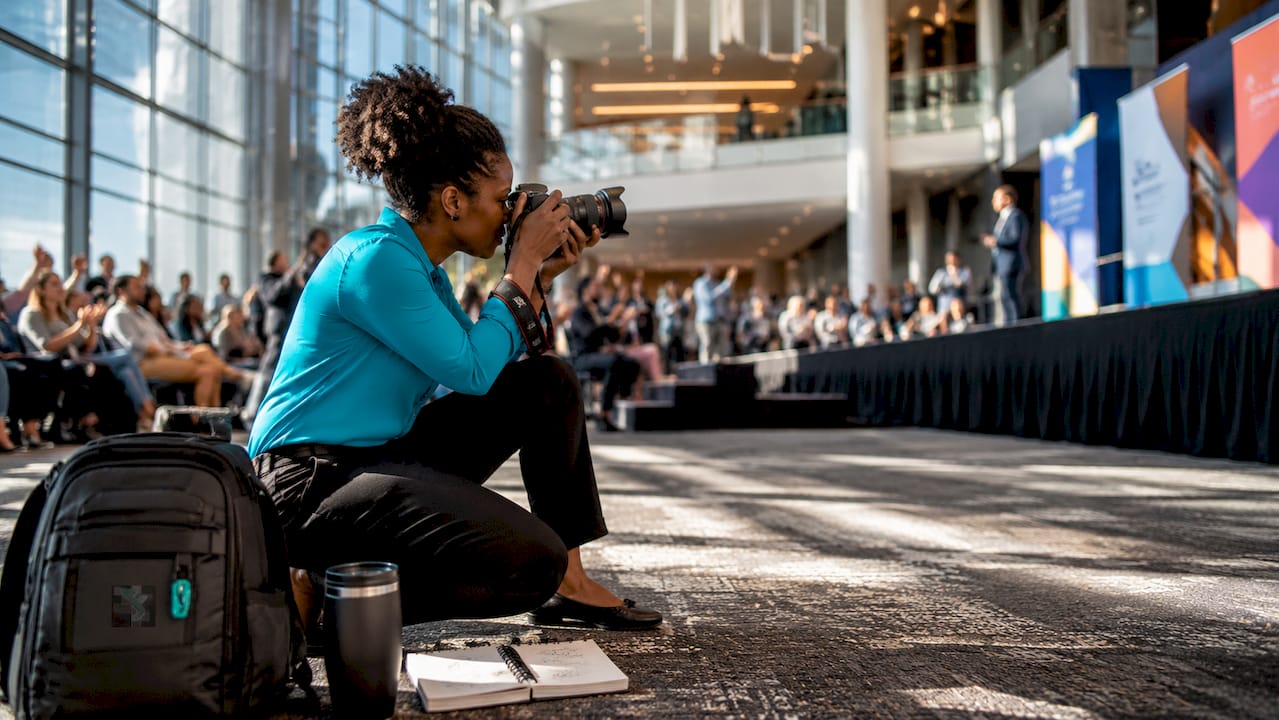
Discover the role of photographer in event marketing to boost your brand. Learn how skilled photographers transform events into valuable marketing assets.
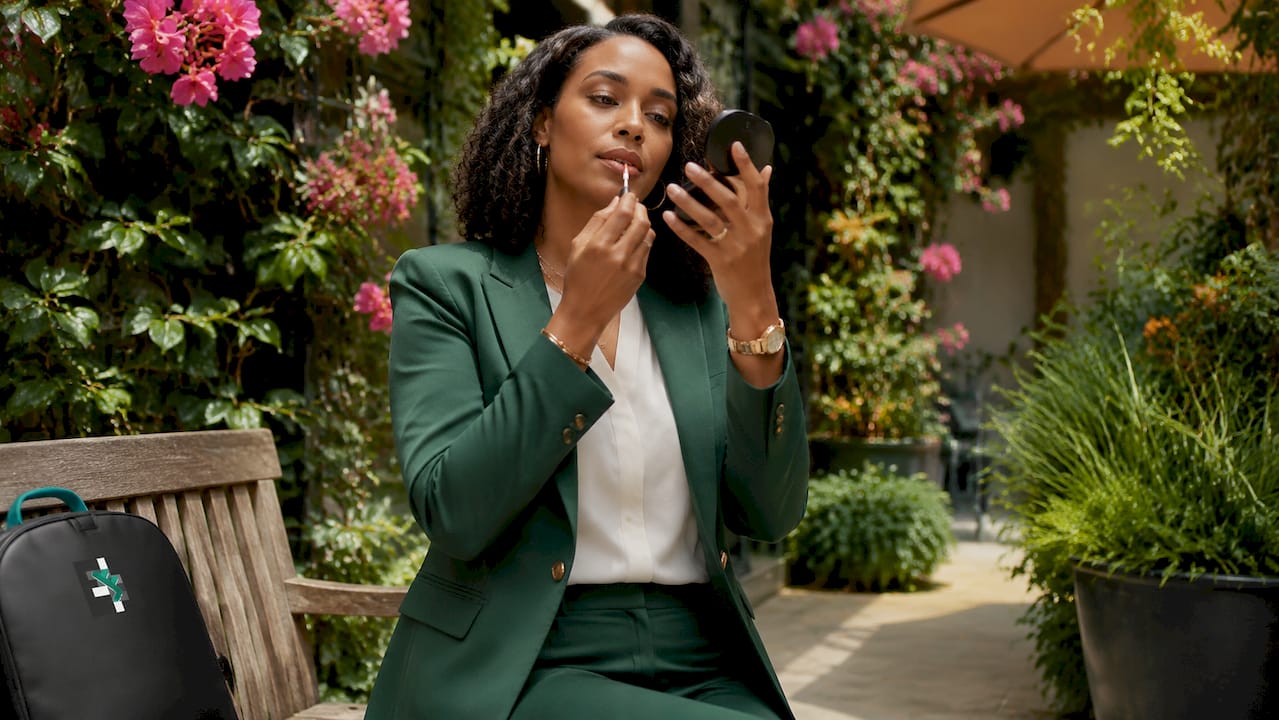
Learn how to prepare for your corporate headshot session and ensure you look professional and confident. Follow our essential checklist!

Discover the top 3 yelp.com alternatives for photography providers. Compare options to help you choose the best local photography services.
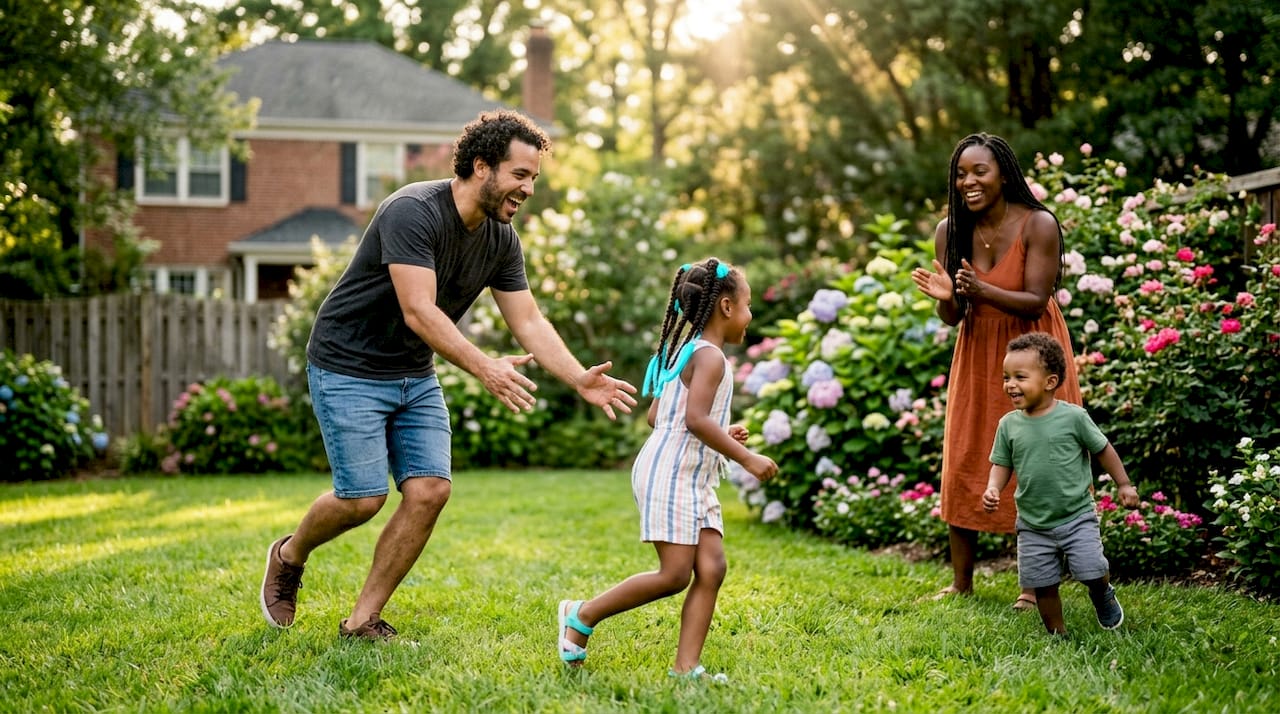
Discover what is a neighborhood lifestyle photography and how it captures authentic moments. Learn its value in connecting families to their community.